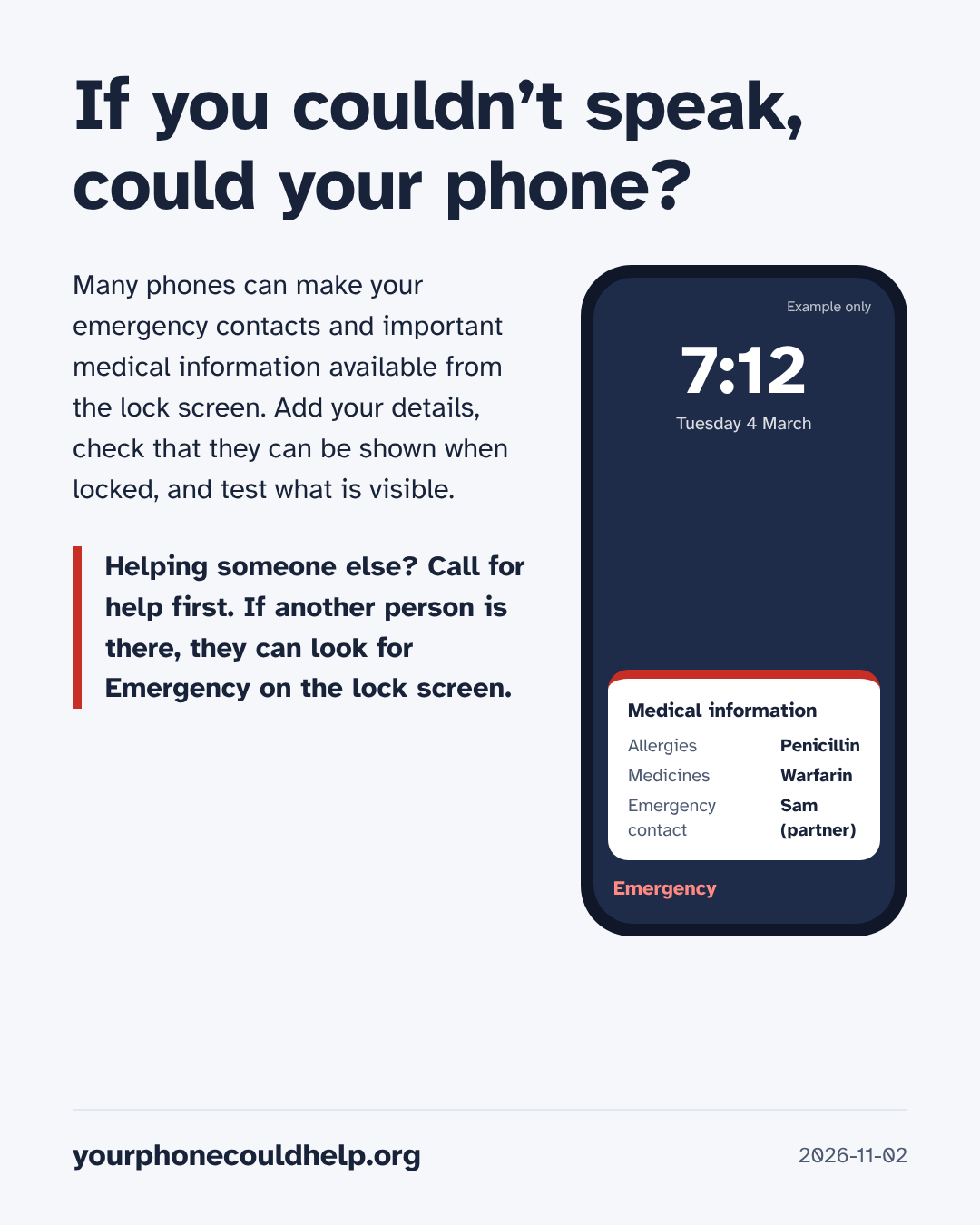
If you couldn’t speak, could your phone?
Many phones can make your emergency contacts and important medical information available from the lock screen. Add your details, check that they can be shown when locked, and test what is visible.
Set up your phone
Add your allergies, medicines, conditions and an emergency contact. Then make sure the setting that shows them on the lock screen is on, lock your phone, and look for yourself.
Each phone maker explains how, step by step:
- iPhoneApple’s guide
- Samsung GalaxySamsung’s guide
- Google Pixel and some other Android phonesGoogle’s guide
Another brand? Search the maker’s own support site for “emergency information” or “medical information”. What your phone offers depends on the model and where you live.
Before you fill it in
- Only add what you are sure is correct, and what you don’t mind a stranger seeing.
- Your emergency contact’s name and number may be visible too. Ask them first.
- New phone, new medicines, a new contact? Check it again.
- A phone isn’t always with you or checked. If you’ve been advised to wear a medical ID bracelet or carry a card, keep doing that.
On someone else’s phone
In an emergency, call your local emergency number and follow the call-taker’s instructions. Do not delay first aid to look for a phone or medical information.
For example 000 in Australia, 911 in the US and Canada, 999 in the UK, 112 across the EU.
If another person is available, they may be able to check for emergency information on the lock screen while help is being arranged.
Wake the screen and look for Emergency, then Medical ID or Medical info. On some phones you swipe up to the passcode screen first. Names and screens differ between phones. Only look at what shows without unlocking.
No information found does not mean the person has no allergies or medical conditions.
Tell the call-taker or paramedics what you find. They decide what it means.